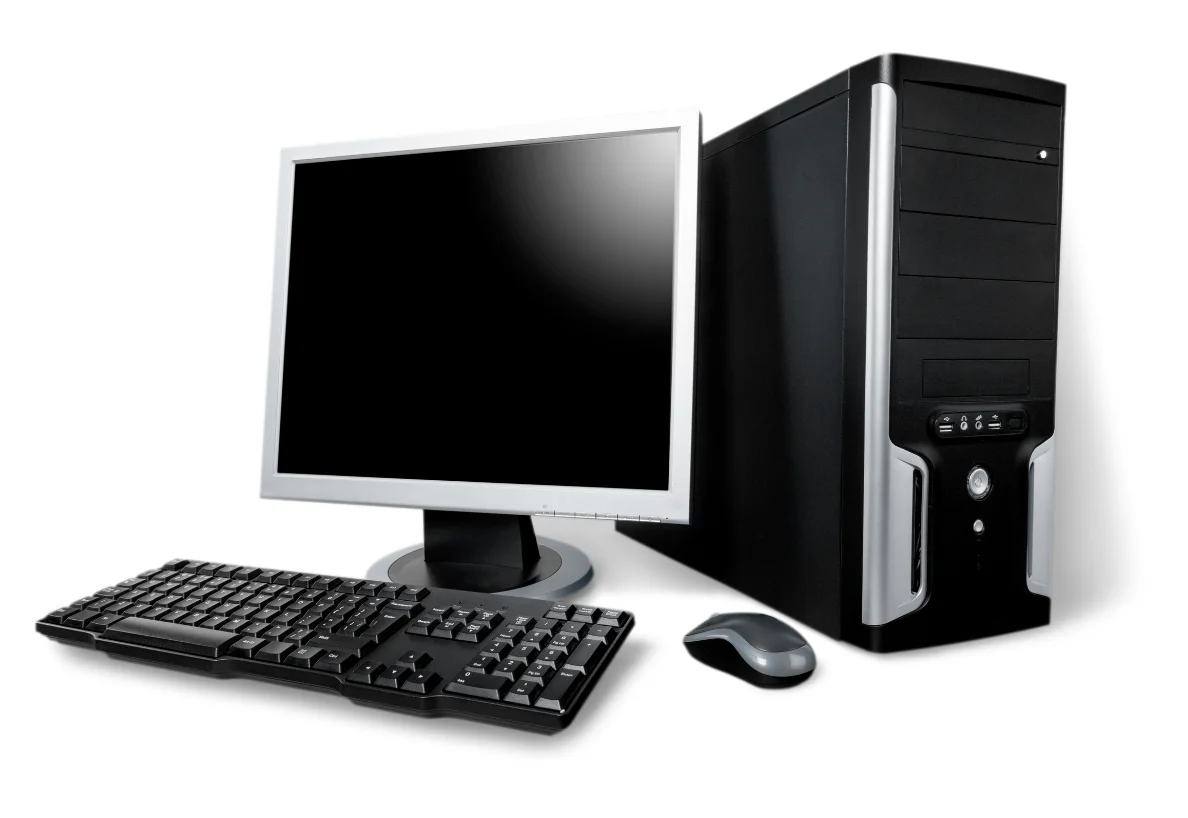
Make an essentials list
Separate essential equipment from equipment that can wait until power returns. At home, that may mean selected lights, fans and a router. In an office, it may mean a computer, networking equipment or a CCTV recorder. Your own priorities should define the list.
Write down the device model and its rated power information where available. Tell the installer which items operate together. Do not assume that a setup quoted for a few electronics can also support every appliance in the building.
Capacity and runtime are different questions
Output capacity determines the load a UPS can support. Runtime describes how long it can support that load on its battery. A larger number on the front of a product does not, by itself, establish how many hours your equipment will run. Eaton explains the relationship between load, capacity and battery runtime in its UPS sizing guide.
Ask for a runtime estimate tied to your actual equipment list and the proposed battery configuration. If your plan changes—for example, by adding another computer—have the load and runtime reviewed again.
Discuss the equipment, not just the label
Whether a UPS or inverter arrangement is appropriate depends on the connected devices and the job you expect it to do. Explain whether you need time to save work and shut down, or a longer period of operation for selected household essentials.
Ask the supplier to confirm compatibility, transfer behaviour and the proposed installation arrangement for the specific devices. Computers, networking equipment and household loads do not all have identical requirements. Installation and battery placement should follow the selected manufacturer’s instructions and be handled by a qualified person.
What to ask before accepting a quotation
- Which equipment and total load does the quotation cover?
- What runtime is expected at that load?
- Which inverter or UPS model and battery configuration are included?
- What installation work, maintenance and warranty terms apply?
- What changes would be needed if the load grows later?
Keep a copy of the agreed equipment list with the quotation. That makes it easier to compare options on the same basis and to explain future service requirements. If keeping CCTV or the internet connection running matters, include the recorder, router and related devices in the original discussion.
EYE2EYE can help you discuss UPS and inverter options in Thrissur. Bring your essentials list and preferred backup duration when you contact our Mullurkara team. For a wider office setup, also see our guide to planning your network.